
Bring your Linktree links into Pinnn
Import your Linktree links into Pinnn Free. Check destinations, refine titles and order, and review the new profile before sharing it.

If you have already gathered links on Linktree, you do not need to type every URL again. Use Pinnn's Linktree import to bring existing links over, then adapt the introduction and featured work to your purpose. You can start importing on Free too.
The point of the move is to check the URLs you still use and give the work visitors should see first a clear description and order.
Open the destinations after importing
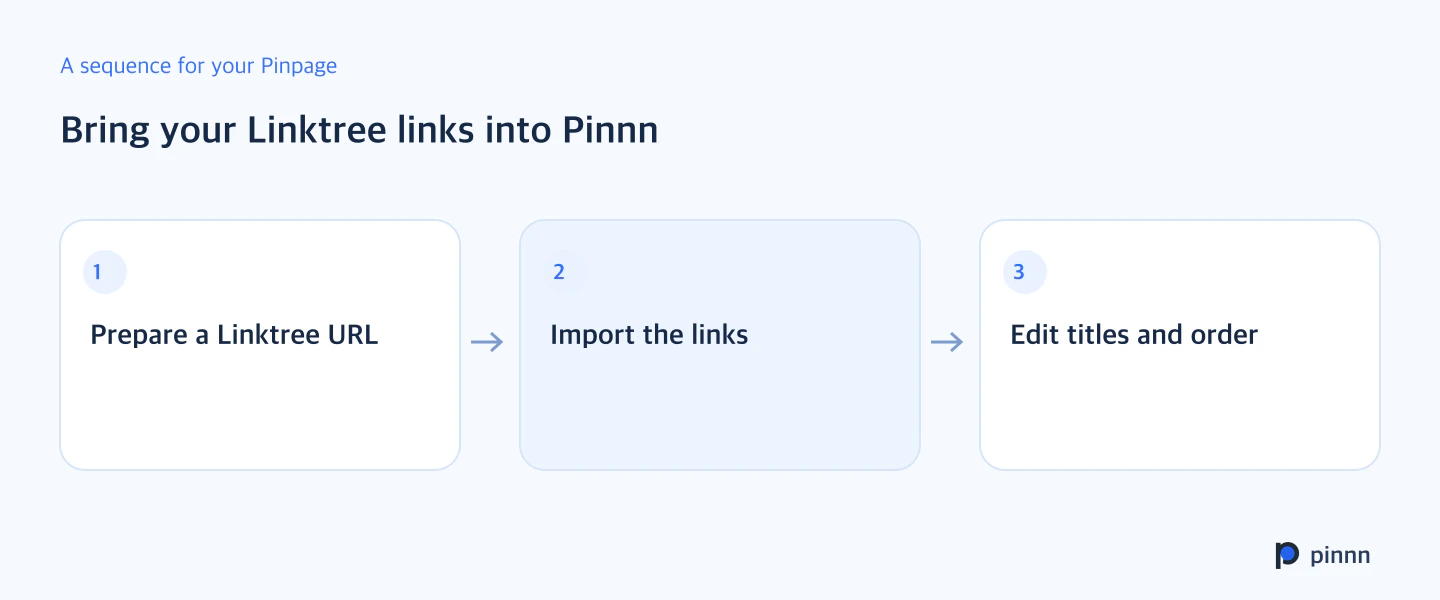
Prepare your current Linktree URL and follow Pinnn's import guidance. Check each imported address and title. Update products no longer sold, closed applications, and work that has moved to another URL.
Import the links, then edit their titles and descriptions. Next, inspect the actual route from the public URL. Check the list and decide the order visitors should read it in.
Turn platform names into work descriptions
Add context to a link that was simply called YouTube. Try a title that communicates the content, such as work portfolio, weekend home-cooking videos, or a new exhibition guide. Check whether the original link leads to a whole channel or a specific project.
Your bio gives visitors a reference for reading the imported links. Briefly describe what you do now and bring supporting work forward. Refine a list of SNS destinations into a Pinpage introducing your activity.
Check the final route before sharing the new URL
Open the public Pinpage URL on your phone and click the main links. See whether images and titles match and whether the contact route is visible. When it is ready, replace the old profile URL in SNS bios or pinned posts.
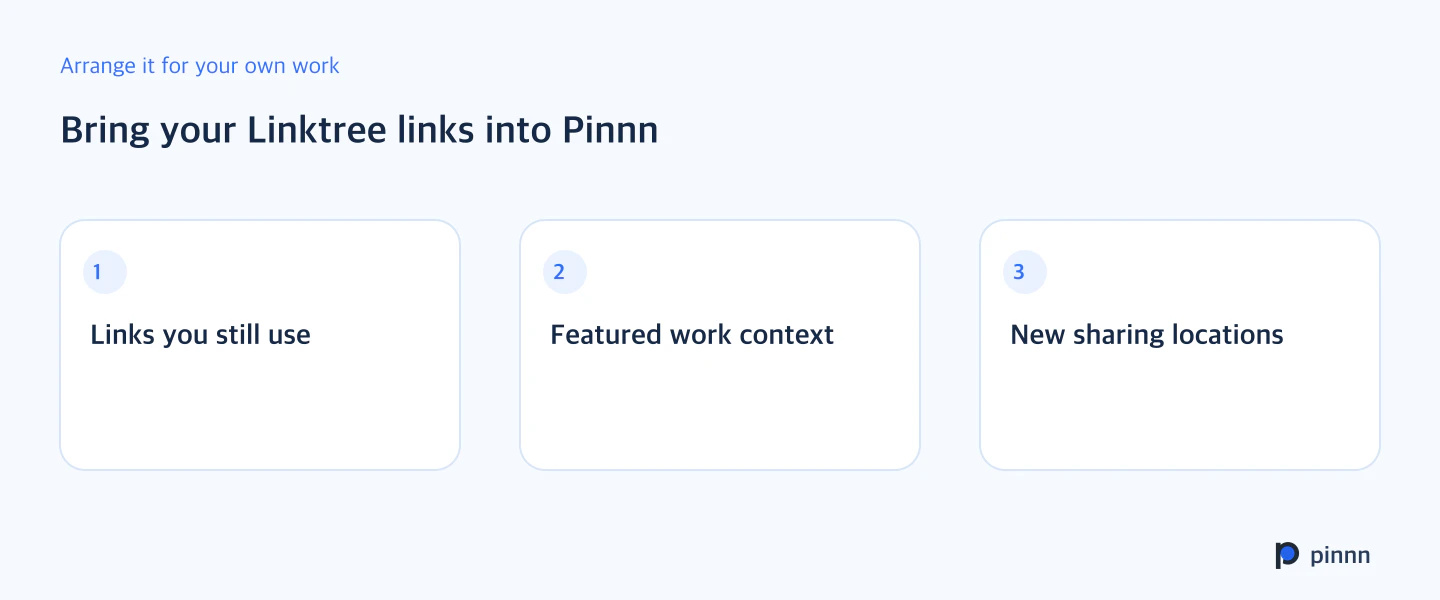
Prepare your Linktree URL and start the import. Revise the titles and descriptions of featured work in the imported list first. Start organizing links with Pinnn Free.
Sources
- Pinnn current service and plan guide — Pinnn
- Search OS background reading for Bring your Linktree links into Pinnn — Search OS · Sep 9, 2026
More guides

Put these ideas into practice.
Bring your bio and official channels together on a Pinpage.