
Make popular links easier to find
Compare popular links with the work you want to promote now. Use Pinnn click records to review destinations and arrange the first screen.
As links accumulate, important work gets pushed down. Visitors may need to scroll farther to find the link they want. Read clicks alongside the activity you want to promote now when ordering cards.
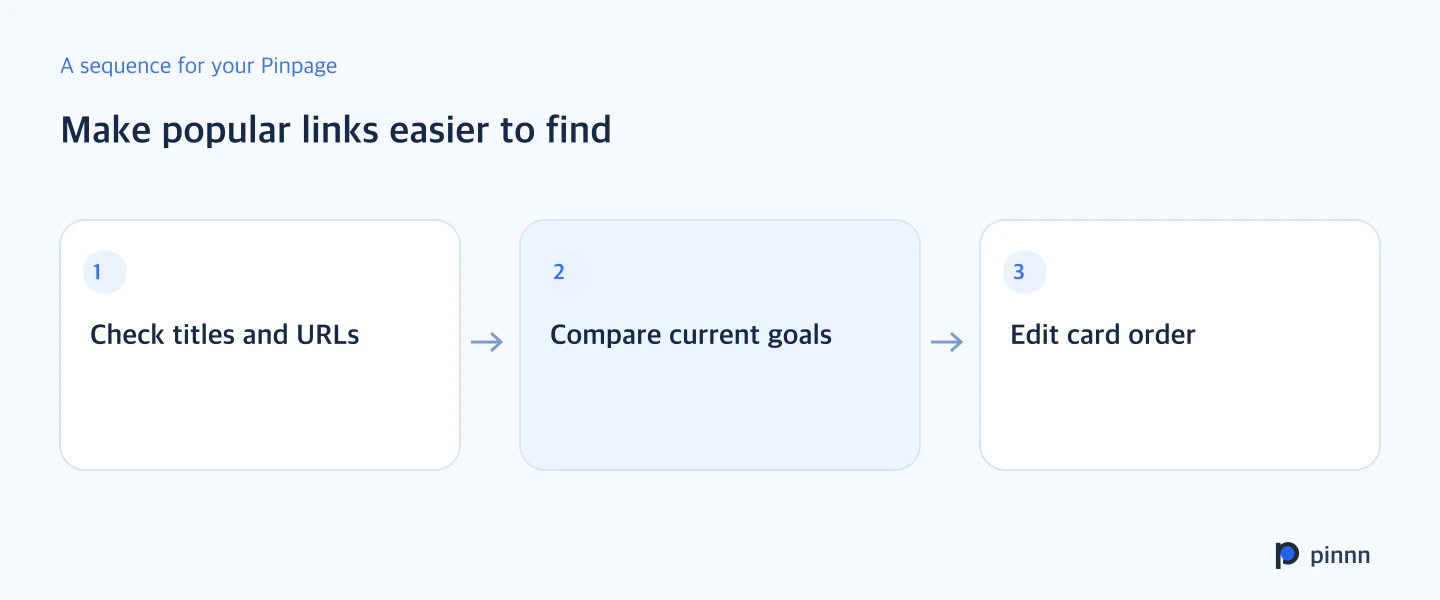
Review each link's title, URL, and clicks in Pinnn analytics, then edit the Pinpage layout. Put the link where visitor interest meets your current goal on the first screen.
Check the title and URL together
Open the actual destination of a frequently clicked link. Compare URLs when cards have similar titles. Knowing whether the destination is a current product, an older video, or a contact route helps you decide the next layout.
Find the links drawing interest in click records. Read their titles and URLs together to check the actual destinations. Compare records from the same period with the current page.
Compare the link with your current priorities
A frequently clicked event link may need updating if the event has ended. A new project that matters now may deserve the first screen if it was hard to see. Judge the role of each link rather than copying the click ranking directly.
Name links according to what visitors seek, such as featured work, current applications, or contact. If there are many cards, lead with today's focus and put past work next. Make the bio and first card explain the same direction.
Open the page again after reordering
Check that the priority is visible on a phone's first screen and click the main links. Record the date and sharing activity around the change. In the next comparison period, review link clicks again and consider whether visitors can find their intended destinations.
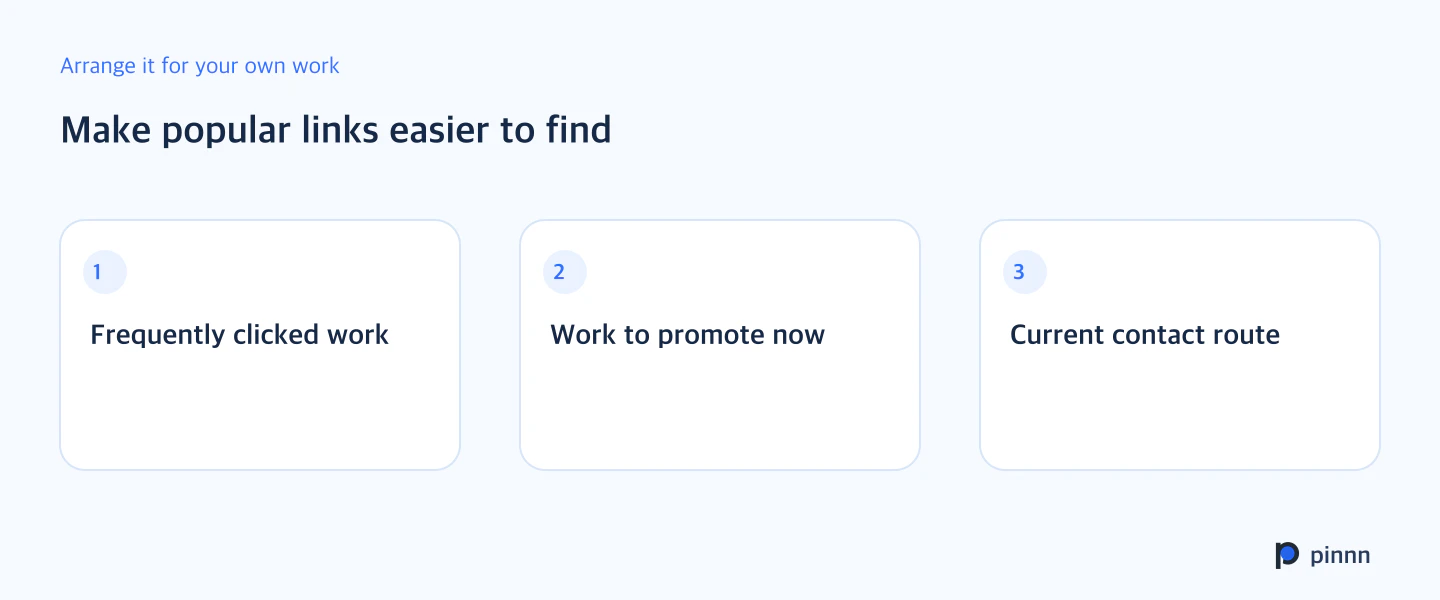
Choose one frequently clicked link and one link you want to promote now, then compare their roles. Start by refining their titles and positions. Organize link order in Pinnn.
Sources
- Pinnn current service and plan guide — Pinnn
- Search OS background reading for Make popular links easier to find — Search OS · May 11, 2026
More guides
Put these ideas into practice.
Bring your bio and official channels together on a Pinpage.