
Give your portfolio images a reason to choose you
Give portfolio images context. Use Pinnn to connect your role, original work, and a clear contact route on one profile.
You open a portfolio and see plenty of beautiful photographs. To find out who made the work or what they were responsible for, you have to look elsewhere. Someone choosing a collaborator needs context alongside the images.
Pinnn lets you place an introduction and a link to the original work beside your images, then connect visitors to an inquiry on the same Pinpage. Show the finished work and introduce yourself as the person to commission.
Put your role beside the photograph
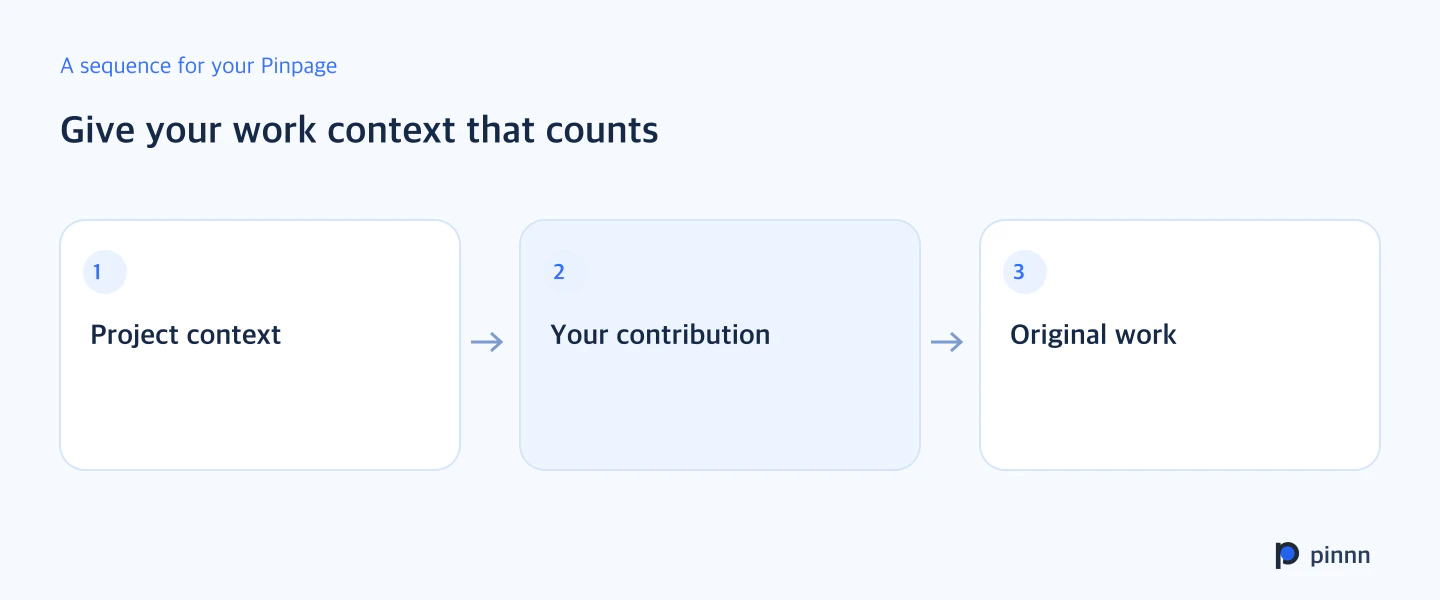
Your role matters especially in a team project. A photograph of a finished space does not tell visitors whether you designed it, photographed it, or created its graphics. Keep the project name and your responsibilities close together. Start by naming the project in the image title and describing your contribution.
Write the introduction so visitors can identify your role. With the project background, your responsibilities, and the original work together, someone who sees the image can also understand your experience. Link to a detailed portfolio when the process needs more explanation.
Choose context that fits your next commission
A photographer seeking café commissions might include the shooting area, how they captured the space, and selected photographs. A book designer can explain whether they handled the cover, the interior, or both, and identify the publication. The context worth reading depends on the work you want to take on.
If the explanation grows long, separate what visitors need before clicking from what they can explore in the original. Put the project and role on the card, with the process and detailed results at the destination. Lead with what the visitor is most likely to ask.
Keep featured work and contact close together
Check the image, description, and destination for your featured work, then place the contact route nearby. Someone who has explored your work should be able to find where to reach you. Give the contact button a clear purpose, such as collaboration inquiries.
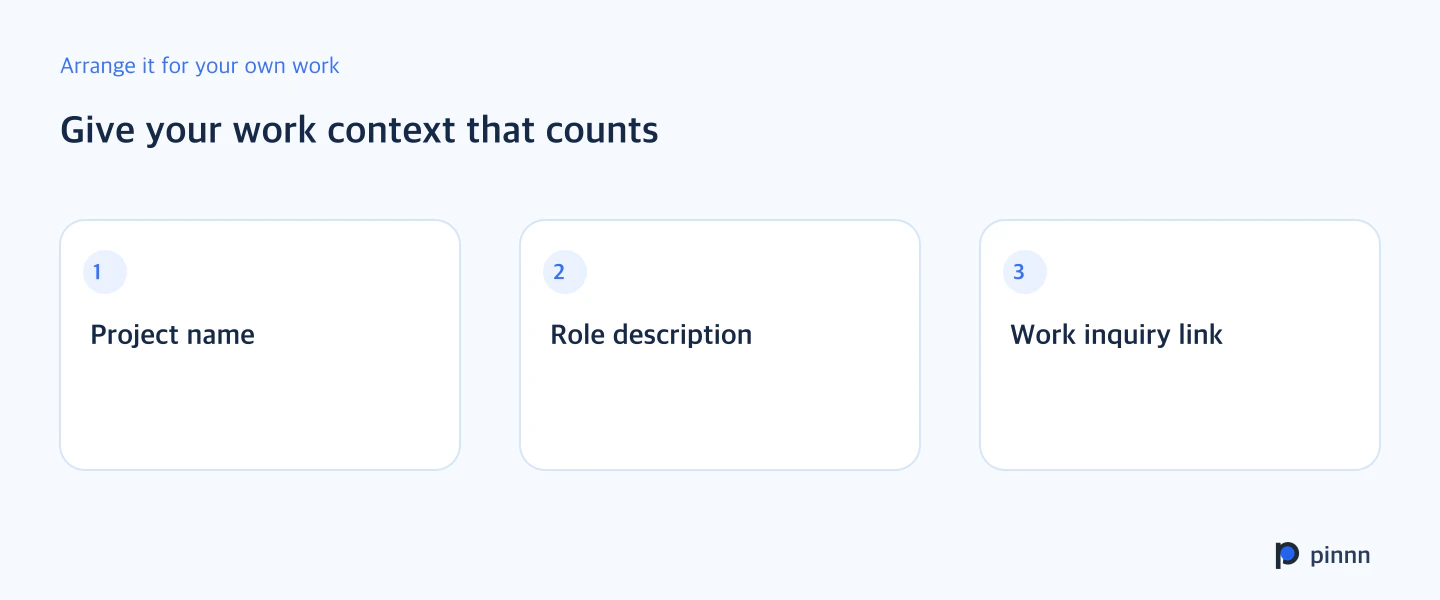
Choose one featured card and revise its title and role description first. Open the public URL on your phone to check that the image and explanation are readable together and that you can continue to an inquiry. Build your portfolio with Pinnn.
Sources
- Pinnn current service and plan guide — Pinnn
- Search OS background reading for Give your portfolio images a reason to choose you — Search OS · Sep 7, 2026
More guides


Put these ideas into practice.
Bring your bio and official channels together on a Pinpage.