Build your official profile for AI with Pinnn
Give your introduction a home. Connect featured work and verified official channels in Pinnn, then share one official profile with fans, brands, and AI.
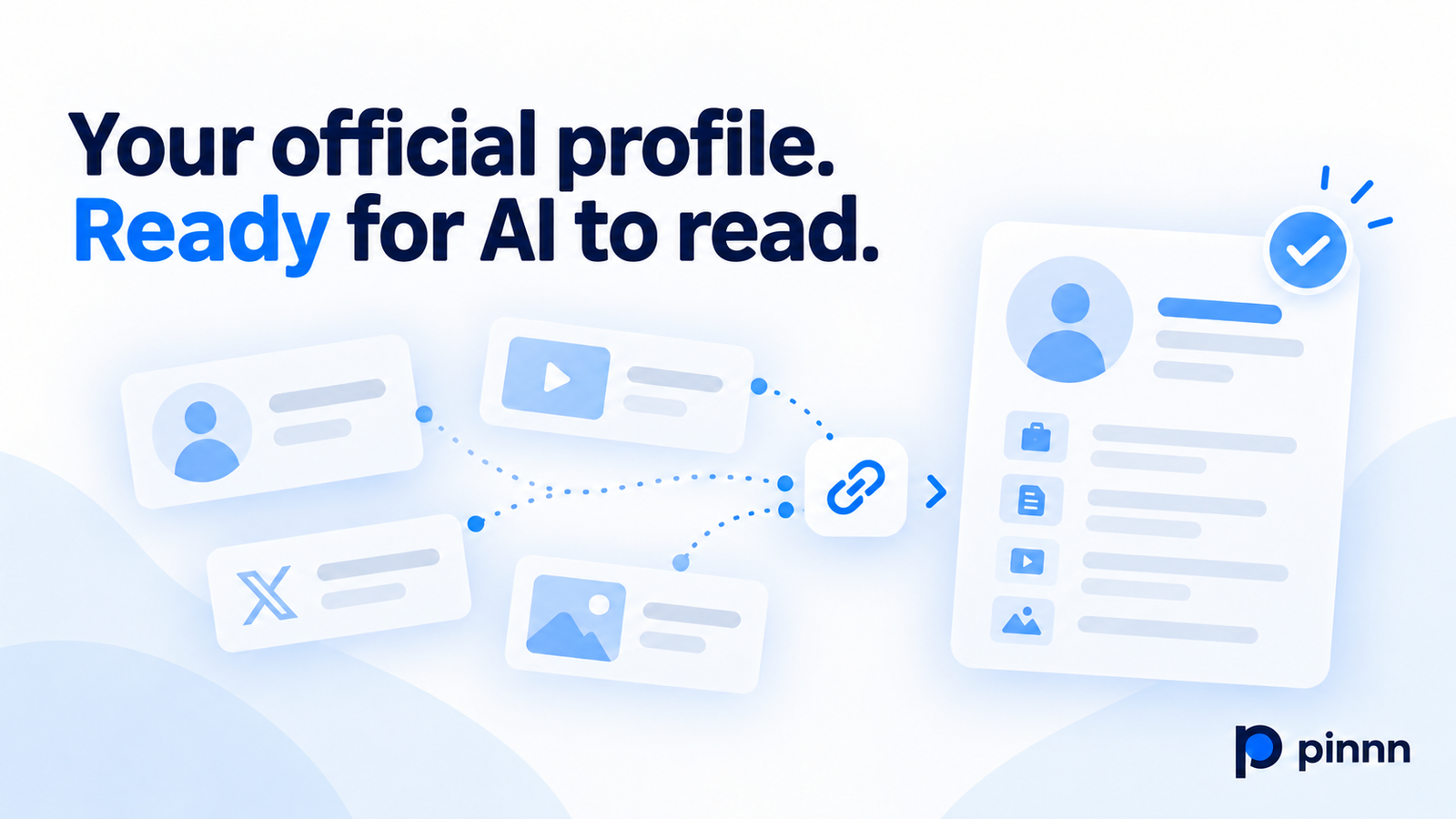
What introduction will someone read when they search for your name? An old channel bio, a third-party summary of your work, and a recent post may tell different stories. Having more information about you online does not necessarily make it clear which page to use as the reference.
Pinnn is a profile hub that brings the bio and official channels you manage together at one address. Add your name, field, featured content, and contact options to your Pinpage. Your public information is also prepared as a Pin AI Page, creating a starting point for the official information AI can refer to.
Connect sources that support your introduction
When preparing information for AI, source quality matters alongside what you write. Curated retrieval versus open web search, released in July 2026, compared a curated collection with open web search in an Icelandic public information service about the EU.
Experts flagged at least one source in 65 of the 187 reviewed web-search answers, about 35%. Most were considered untrustworthy or unrelated to the question. The curated path had fewer source problems, but covered a narrower range of questions.
Your introduction benefits from clear sources, too. Connect the bio you manage with your official channels to create a primary source for your work.
Make the relationship between your channels clear
Similar channel names or profile photos do not always make it easy to confirm that the same person runs them. A brand considering a collaboration may also need to check which account is your current main channel and whether the contact details still work.
Add your Pinpage link to the profile area of your main channel so Pinnn can verify the connection. Confirmed channels are distinguished from general links, and that relationship becomes part of your official profile information.
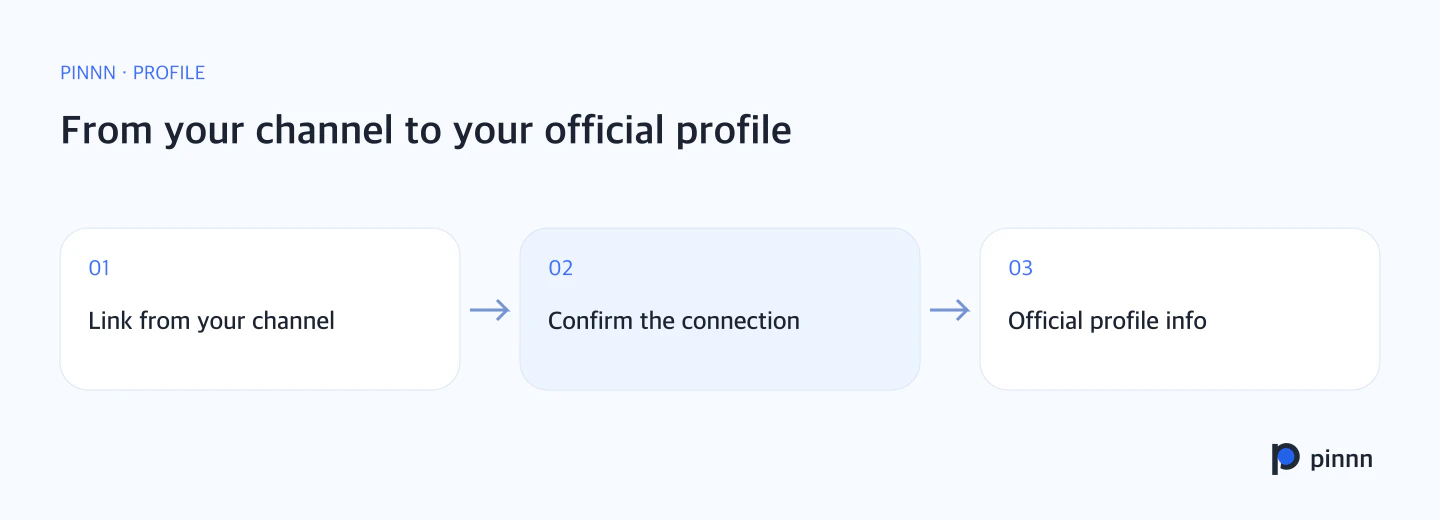
Connect your main channel and Pinpage to confirm that the same person runs them. Your introduction and channels come together in one official profile.
What belongs in your official introduction?
Start with your public name and field. Explain the content you make, the topics you cover, and the work you want visitors to see first. Organize your current channels and collaboration contact options alongside them.
Link public materials about your experience, awards, publications, and projects. Featured work and a record of your activities make your introduction more specific. Update your official profile when you change channels or release new work.
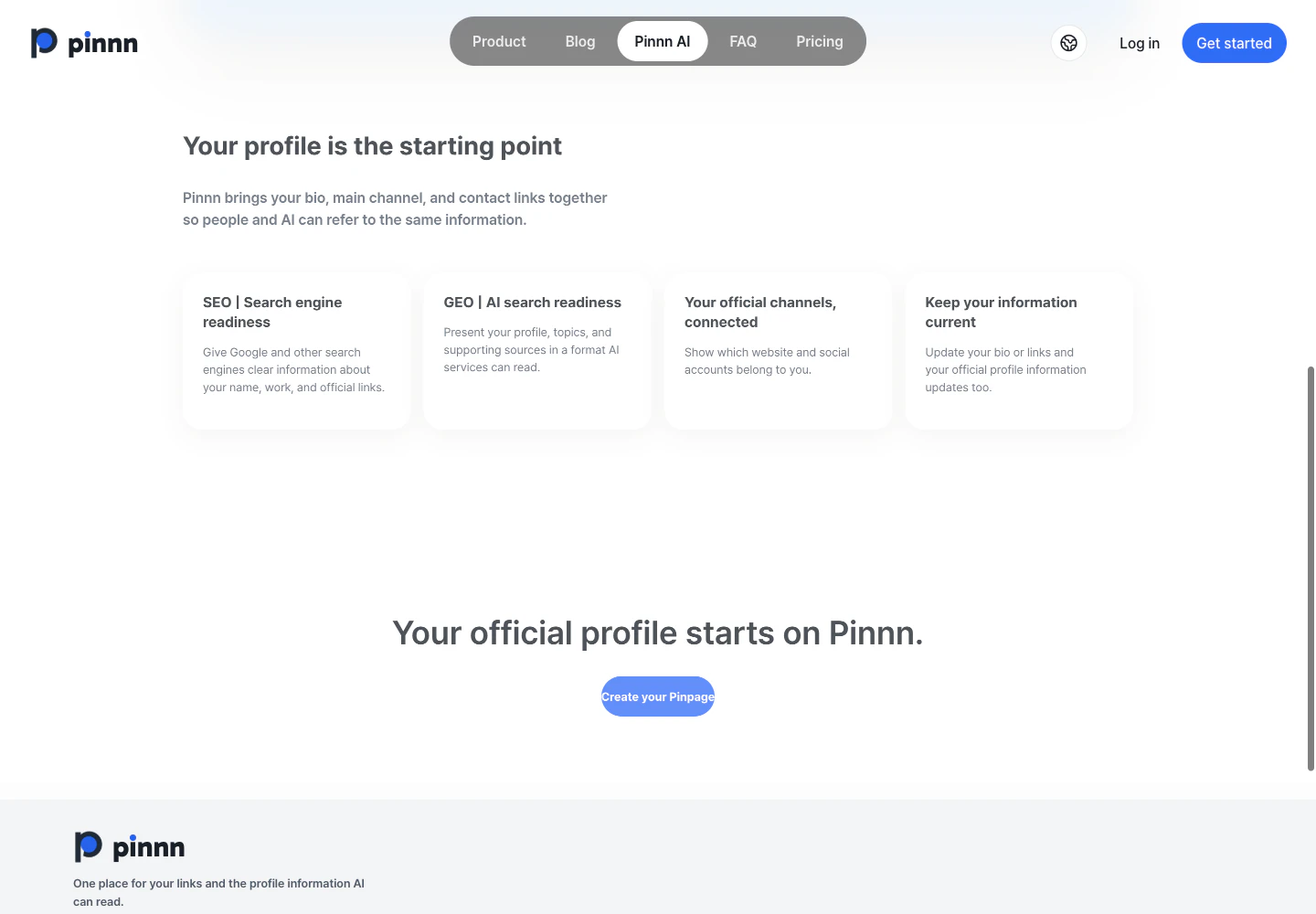
Organize your bio and official channels in one place, then update them in the same profile as your information changes.
Share one official introduction with fans, brands, and AI
Give your introduction a home in Pinnn instead of rewriting different bios across channels. Share your name, field, featured work, and official channels at one address.
What you prepare in Pinnn is the connection between the bio you manage and your official channels. Fans can move to your content; brands can find featured work and contact options. AI referring to public information also has a document that explains the context of your name and activities.
If your introduction is scattered across channels, prepare your official profile in Pinnn. The Pinnn AI guide explains how to connect your profile link from your main channel.
Research reference
Hafsteinn Einarsson et al., Curated retrieval versus open web search in public AI information services: a coverage-trust trade-off. arXiv v2 revised July 7, 2026.
Sources
- Curated retrieval versus open web search in public AI information services: a coverage-trust trade-off — arXiv · Jul 7, 2026
- Pinnn AI guide — Pinnn
More guides
Put these ideas into practice.
Bring your bio and official channels together on a Pinpage.