From link list to brand hub: organize your official channels
Organize a primary name, channel roles, verified official relationships, and contact routes into one useful profile.
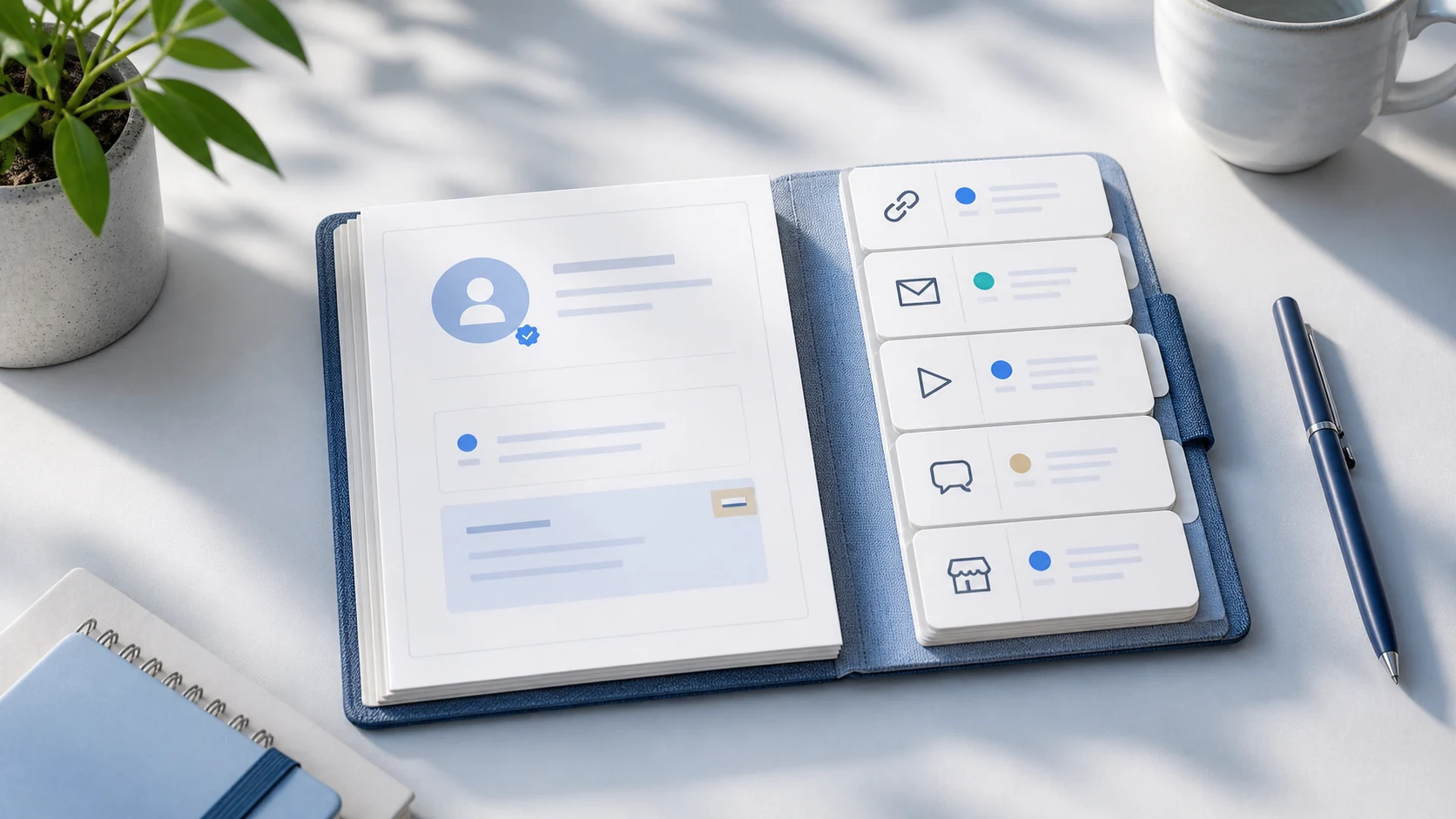
When you run Instagram, YouTube, TikTok, a Smart Store, a newsletter, and a booking page, your bio can quickly become a list of addresses. Visitors may not know where to start, and brand managers may struggle to find an official contact. Before adding another channel, decide what each address is for.
A brand hub is a reference page organized around one person or brand's primary name and introduction. It groups official channels, representative work, collaboration contacts, and current announcements by purpose. Visitors can choose their next action, while search and AI systems can better understand whom the different addresses represent.
How does a brand hub differ from a link list?
A link list shows addresses; a brand hub explains their roles and priorities.
A link list may use inconsistent descriptions across channels; a brand hub uses one primary name and introduction as its reference.
A link list can give every URL equal weight; a brand hub distinguishes official channels, individual content, and contact routes.
A link list is easy to leave unattended; a brand hub tracks updates and operating status.
1. Sort your channels by purpose
Write down every public URL in a spreadsheet or note. Group them as primary channels, content, sales and bookings, contacts, or press and external profiles. If several links serve the same purpose, check how current and frequently used they are and keep one. Expired campaigns, private accounts, and shortened URLs with broken tracking are candidates for removal.
2. Set one primary name and a one-sentence introduction
Use one primary name on the official page, even if channel nicknames differ. The introduction should say who you are, what you make, and whom it helps. For example, "A home and lifestyle creator making home-styling videos" identifies both the role and the content.
Leave out unsupported praise and comparisons. Use claims such as "No. 1 in Korea," "best," or "fastest" only when you have verifiable evidence and can explain the scope.
3. Separate official channels from individual content
An official channel is an account that consistently represents the person or organization. A particular video, product, article, or campaign page is individual content. Use sameAs for verified profile URLs that identify the same person or organization; do not automatically include every content link.
Google's ProfilePage guidance also says the page should focus on one person or organization, identified by mainEntity. Keep that subject consistent in the visible page and structured data.
4. Give each link a reason to click
YouTube: home-styling videos every Thursday.
Instagram: work in progress and short tips.
Newsletter: tools and references twice a month.
Collaboration inquiries: brand proposals and speaking requests.
Store: featured products and products you make.
A short explanation of what visitors will find gives them more context than a channel name alone. Put the visitor's most important task first. Avoid emphasizing every link with the same color and size.
5. Confirm permission to publish contact details
Check that a collaboration email, booking link, or phone number is current and that its owner wants it public. Do not turn an email found somewhere online into an official contact or automatically restore details that were public in the past. Distinguish personal and business contacts.
6. Make updates part of your routine
Click through every URL each quarter and check that the main image and introduction reflect current work. A channel's role or public status can change even when its URL stays the same. Update the displayed modification date only when the public information actually changes.
Brand hub checklist
Are the primary name and profile URL consistent across channels?
Does the first sentence explain the role and representative content?
Are official channels separate from individual content?
Does each link explain what visitors can find?
Are one or two main actions clear on the first screen?
Have you confirmed permission to publish contact details and checked that they are current?
Have you removed expired or duplicate links?
Does ProfilePage or Organization structured data match the page?
Can visitors reach every link on mobile and with a keyboard?
Frequently asked questions
Can I mark every social account as official?
Only mark accounts you operate or whose ownership you have verified as official. Fan accounts, reupload accounts, and individual content URLs can be ordinary links, but should be separate from sameAs references that establish identity.
How should I order links?
Use the visitor's main purpose, rather than click volume alone. For creators, prioritize representative work and collaboration contacts. For shops, prioritize practical actions such as finding the location, making a booking, or reading the menu.
Must every channel use identical profile text?
You can shorten text to suit character limits and context. The name, role, and main subject areas that establish identity should remain consistent. Use the official page as the full reference and shorter summaries on each channel.
After organizing your channels, use the profile link SEO checklist to check titles, official relationships, images, and structured data.
Sources
- Profile page structured data — Google Search Central
- Organization structured data — Google Search Central
- General structured data guidelines — Google Search Central
More guides
Put these ideas into practice.
Bring your bio and official channels together on a Pinpage.