From featured work to a brand inquiry, on one Pinpage
Show your field and featured work, then connect visitors to a contact form. Build the path from exploring your work to sending an inquiry on one Pinpage.
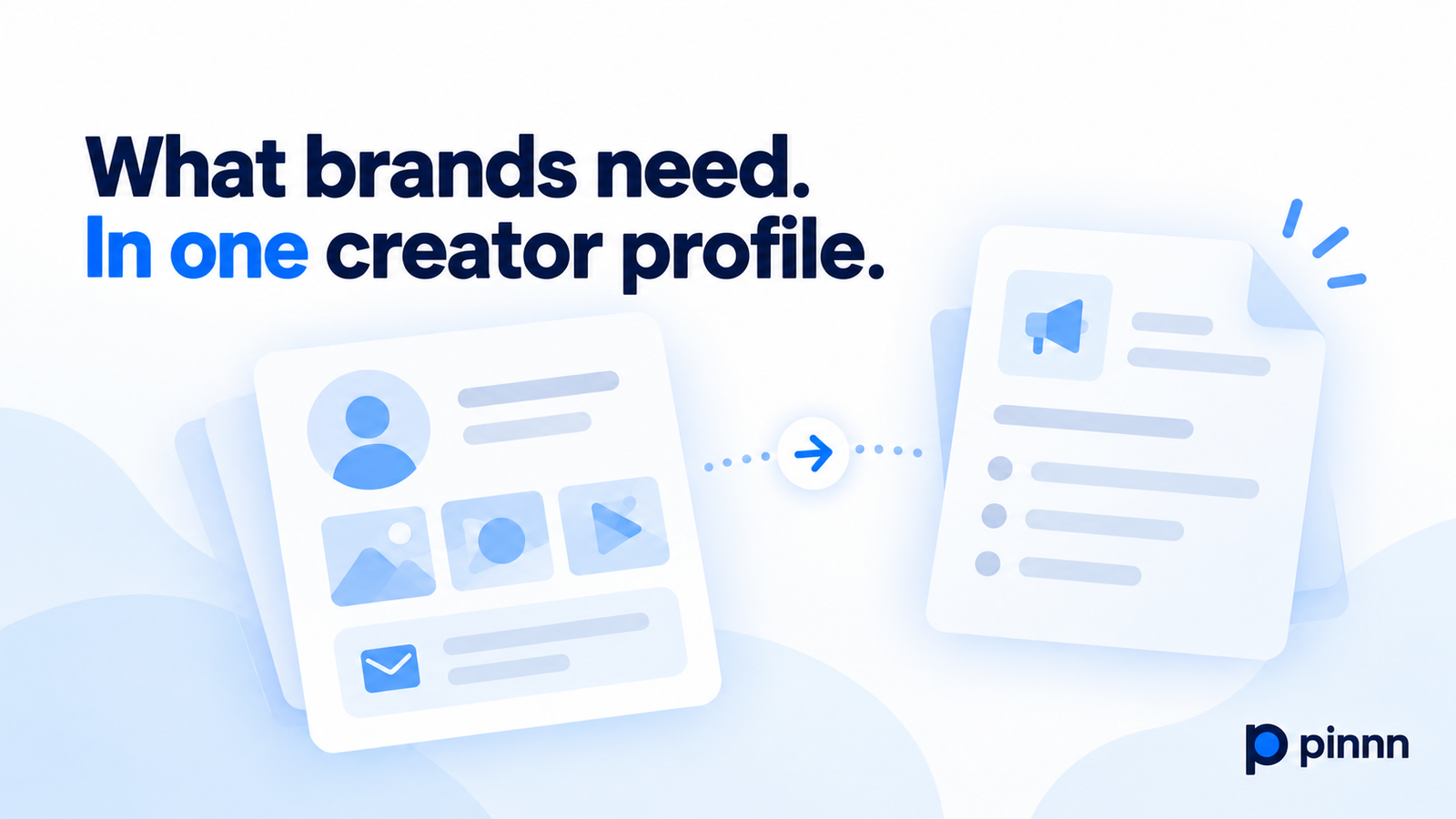
A brand representative opens your profile. Your latest posts are visible. But if they cannot find your field, your featured work, or where to send a collaboration inquiry, the introduction stops halfway. Having more channels will not organize that information for you.
In Pinnn, you can arrange your bio, featured content, channels, and contact options on one Pinpage. Show what the representative needs to check first, then connect them to more detailed work. Public information is also prepared as a Pin AI Page, organizing context that AI can refer to.
What someone wants to know before opening a link
A person considering a collaboration wants to understand your field, the style and strengths of your work, and the channels you currently run. Seeing why you chose a featured project and how to contact you makes the next step easier to decide.
Put your name and specific field near the start of your profile. Follow with featured content, links to more work, and contact options. Arrange links in the order visitors need to check them, rather than giving every link equal weight.
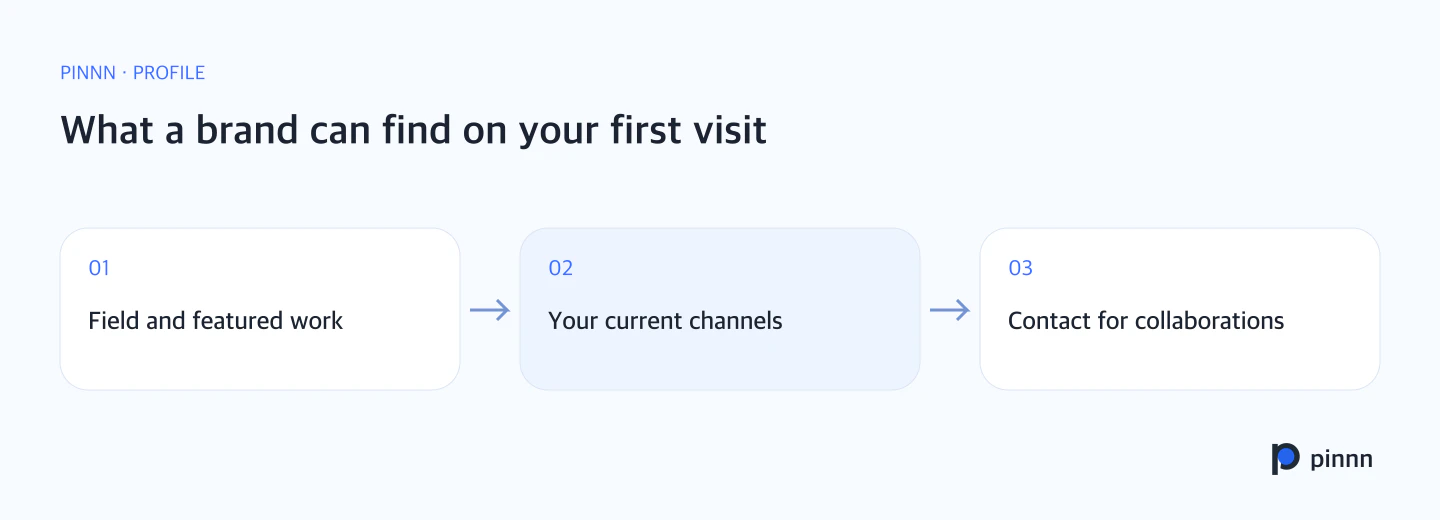
Connect your field, featured work, official channels, and contact options in the order a brand wants to explore them.
Structure matters when AI looks for information, too
Designing Agent-Ready Websites, released in July 2026, tested how AI browser agents find and compare information on websites. It compared a human-oriented baseline with an e-commerce prototype improved to help agents read and act.
Across 300 runs covering 5 tasks and 3 browser-agent models, strict success rates were 49.3% for the baseline and 89.3% for the improved version. The largest gains were in product detail extraction, comparison, and selection under multiple constraints.
Shape your page around how visitors read, compare, and take the next step. In Pinnn, your introduction, featured work, and contact options connect on one Pinpage.
Connect your introduction to the next step in Pinnn
Show your bio and featured work on your Pinpage, then connect visitors to your channels or contact options. Use text and images to introduce your work and link to contact methods you can make public. You can also include a contact form.
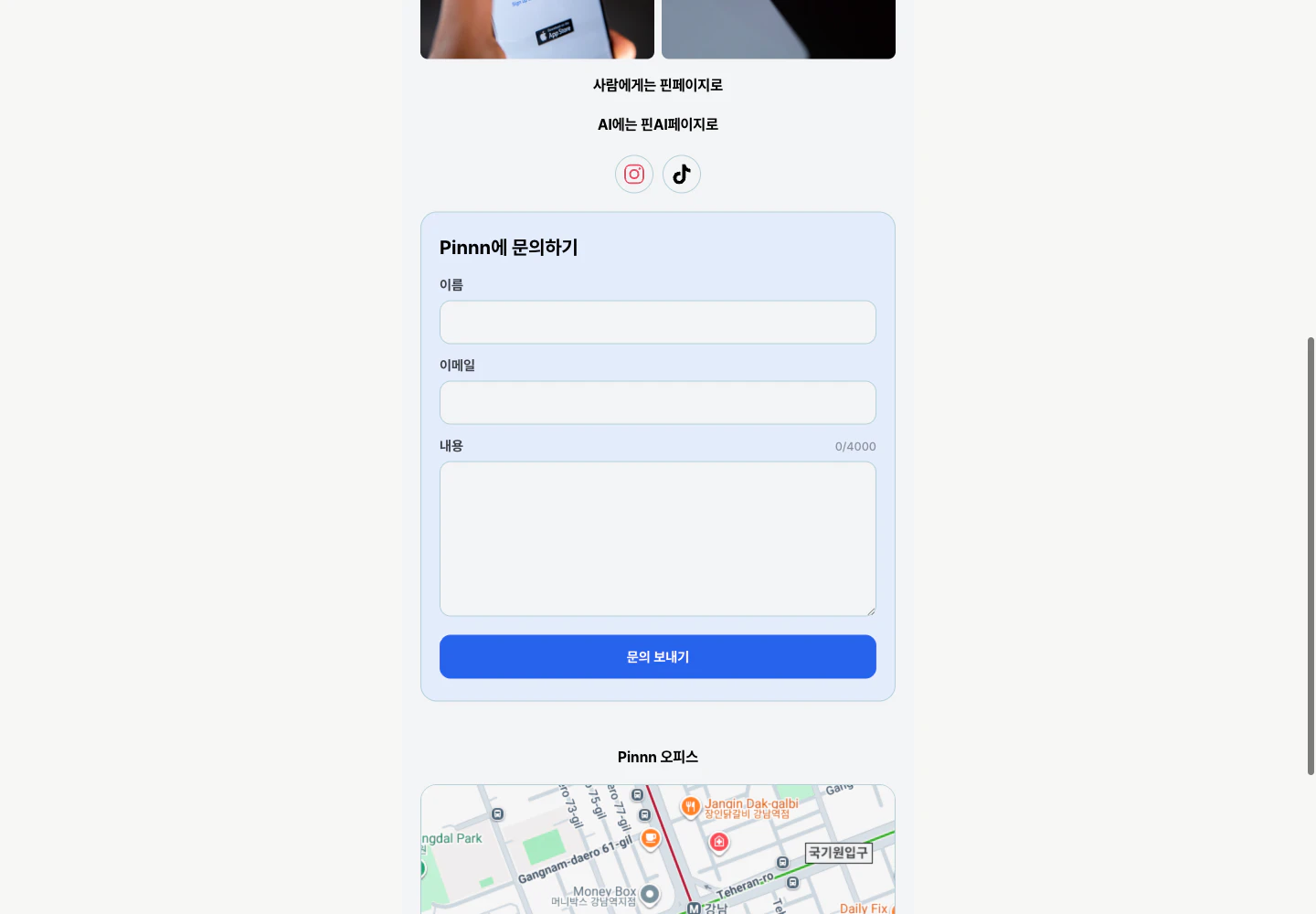
Content and a contact form on Pinnn's Korean Pinpage. Visitors can explore the work and send an inquiry from the same page.
The Pin AI Page organizes your registered bio, field, official channels, and public information. Preparing a profile for visitors alongside information AI can refer to reduces the burden of explaining your introduction separately on every channel.
Choose work that explains your fit
Instead of showing only your most recent work, choose projects that indicate the collaborations you are suited to. Lead with visual work if that is your strength. If a project needs explanation, include a short introduction and a link to the details. Make the timing clear for older work.
Include a reference date and supporting materials with follower counts and campaign results. Describe the content and collaborations you offer so a brand can quickly explore your work and collaboration options.
Connect your introduction, featured work, and contact options in Pinnn. Give interest in your work a path to the next conversation: create your Pinpage in Pinnn.
Research reference
Said Elnaffar and Farzad Rashidi, Designing Agent-Ready Websites for AI Web Agents: A Framework for Machine Readability, Actionability, and Decision Reliability. arXiv v1 released July 13, 2026.
Sources
More guides
Put these ideas into practice.
Bring your bio and official channels together on a Pinpage.